
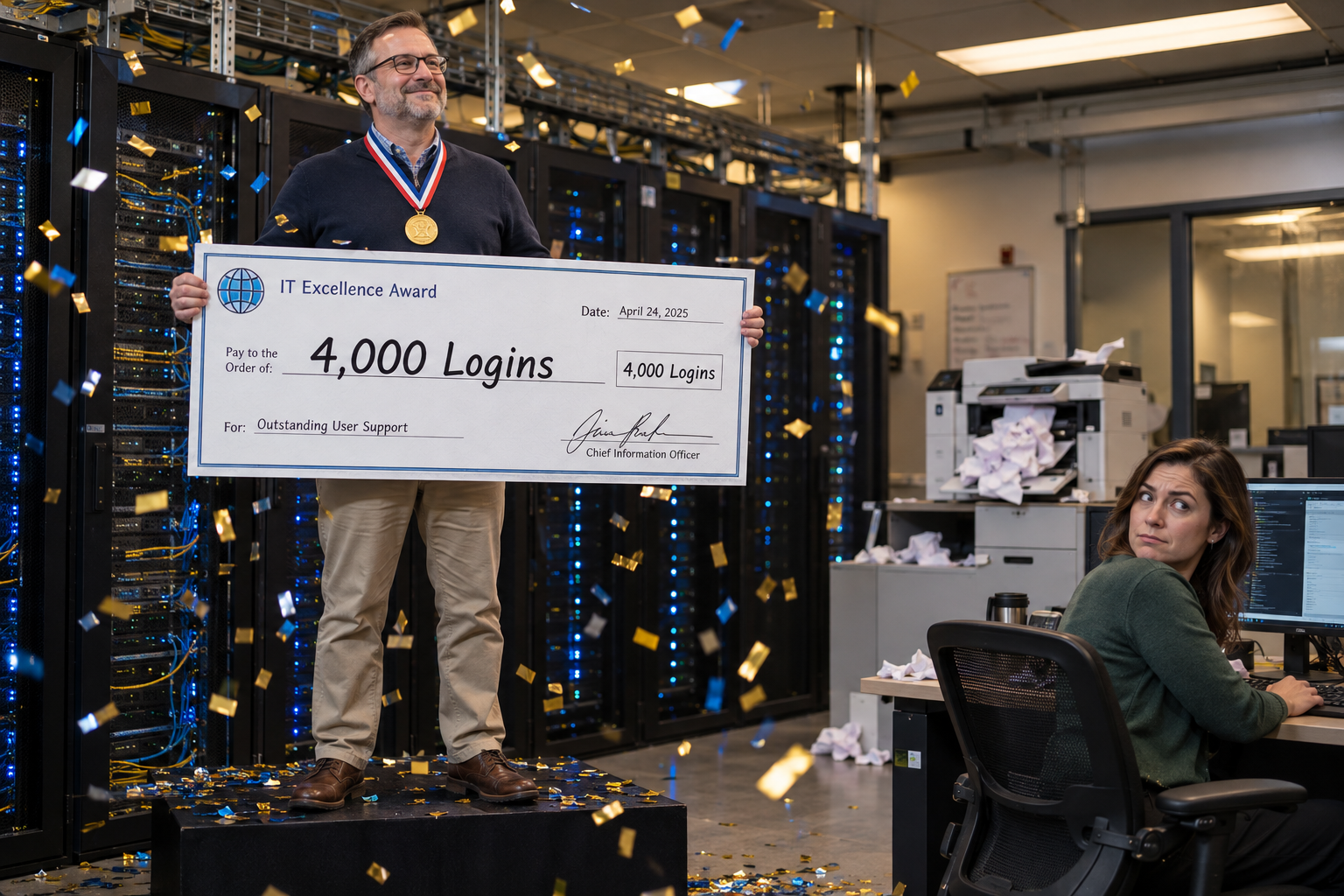
Your dashboards show who signed in and who clicked "finish." Here are four steps for finding out what your faculty and staff can actually get done with AI in their own work, and for documenting those results in a form your president and board can review.
Suppose your enterprise AI dashboard reports 4,000 active users this semester, and your AI literacy module shows an 82% completion rate. Those numbers look great on a slide. Then the CFO asks what the university got for the license, and the room goes quiet, because nobody can point to a report that came out faster, a backlog that shrank, or a process that changed.
If you lead IT at a college or university, you've probably sat through some version of that meeting. A few other signs tend to show up alongside it:
The renewal question. The enterprise license comes up for review, and the only evidence you can bring is a usage chart.
The hidden expert. Maybe an instructional designer built a workflow that saves her six hours a week, and the person at the next desk has never seen it.
The workaround. Staff paste student information into personal AI accounts because the approved tools feel slower.
The certificate pile. Completions stack up in the LMS, while advising queues, help desk tickets, and accreditation deadlines look exactly like they did a year ago.
Each of these traces back to the same cause.
Logins and completions record attendance. They tell you someone showed up, but they can't tell you whether that person now does any part of their job better with AI. That’s what your president and board want to know.
What's a better way to measure AI capability in higher education?
Measure what people produce with AI in their real jobs instead of how often they open the tool. Start by recording how long a handful of recurring tasks take in each role today. Then ask faculty and staff to show what they've built, such as a reusable prompt, a workflow a colleague can follow, or a system that handles recurring work for a team.
Have a department lead or IT partner review each artifact for accuracy, data handling, and reuse, and record the time the task took before and after. Finally, report how many people in each department have reached each level of proof. Leadership can then see how people’s work has changed, which login counts and certificates can’t show.
The four steps below show you how to set this up on your campus, starting with the work your people already do.
Start With the Work Your People Already Do
Before you can measure what AI changed, you need a clear record of how the work gets done today.
Most campus AI measurement starts with the software. Someone pulls the admin console report, counts active users, and calls it progress. That approach skips what you need to judge any change: a record of how long real tasks take today.
So begin with the jobs, not the tools.
Which tasks should you measure first?
Ask each department head to pick 3-5 recurring tasks for each major role. Good candidates share 4 traits:
They repeat. The task happens weekly or monthly, so a change shows up quickly.
They take real time. Thirty minutes or more per instance gives you room to see a difference.
They have a known correct result. Someone in the office can tell a good version from a bad one.
They fit your data rules. The task can be done with approved tools without exposing restricted student or employee records.
Here's what that might look like across campus, as examples rather than a required list: an academic advisor writing session notes, a financial aid counselor answering the same verification questions every August, a help desk analyst sorting incoming tickets, an instructional designer setting up a course shell, and an institutional research analyst drafting a section of an accreditation report.
Let department heads choose. IT can guide the criteria, but the people who do the work know which tasks take up most of their week.
How do you record a useful baseline?
For two weeks, have the people doing each task log how long it takes every time they do it. Keep the tracking simple. A shared spreadsheet with 6 columns covers it: role, task, how often it happens, average time per instance, data classification, and a short description of what a correct result looks like.
That last column matters more than it seems. Write one or two plain sentences, such as "Advising notes include the student's goal, the courses discussed, and the agreed next step." Later, when someone shows you an AI-assisted version, a reviewer can compare it against that standard instead of a gut feeling.
What should you avoid at this stage?
Don't estimate the baseline from memory, and don't let one enthusiastic office stand in for the whole campus. A recorded number from a small set of tasks will serve you far better than a big guess about every department. Those recorded times become the reference point for every artifact your people build in the steps that follow.
Ask People to Show What They Built
A login proves someone opened the tool. An artifact proves they can do something with it.
Once you have recorded times for real tasks, change the question you ask in status meetings. Instead of "How many people are using AI?" ask "Show me what you built." An artifact is something a reviewer can open, test, and hand to a colleague. A usage chart gives a reviewer nothing to test.
What counts as evidence of AI skill?
A single answer. Someone asked an AI tool a question and got a usable response. This shows they can use the tool. It doesn't show they can get the same quality next week, because they start from scratch every time.
A reusable prompt. The person wrote a prompt with the context, instructions, and quality standard needed to produce a consistent result for one of the tasks on your baseline sheet. This shows repeatable results for that person. It doesn't show that anyone else can use it.
A shared workflow. The prompt now comes with written steps and review points, so a colleague in the same role can follow it and get the same quality. Now the know-how stays with the office when the builder goes on vacation, gets promoted, or retires.
A team system. The workflow handles recurring work for a whole office, built with approved tools and with human review built in. Suppose your help desk sets up a process that sorts incoming tickets by category and drafts first responses for an analyst to check. That shows the whole office works differently, with a person still checking what goes out.
How do you collect artifacts without burying people in paperwork?
Give everyone one short submission form with 5 fields: the task from the baseline sheet, the artifact itself as a file or link, the current time per instance, the approved tool used, and the names of anyone else who has used it. Tying every submission to a baseline row keeps the focus on real work, not experiments nobody asked for.
As a hypothetical example, an advisor who submits a reusable prompt for session notes might report that the notes now take 10 minutes instead of 25. A colleague who later follows her written workflow and gets the same result moves that artifact up a rung.
Build a Review Process Your Campus Can Trust
Evidence only counts when someone other than the builder has checked it.
A folder full of submitted prompts looks impressive, but the board has no reason to trust it yet. Anyone can claim a workflow saves time. Review is what turns a claim into evidence you can defend in a budget meeting.
Who should review each artifact?
Three people share the job, and each one checks something different:
The department lead judges quality. Does the output meet the "correct result" description written on the baseline sheet?
An IT or instructional technology partner confirms the artifact uses approved tools and checks whether other offices could reuse it.
A data steward or privacy officer confirms that student and employee records stay where FERPA and your data classification policy say they belong.
Not every artifact needs all three. Match the review to the level. A single answer needs no formal review, a reusable prompt needs the department lead, and a shared workflow needs the lead plus one colleague who tests it. A team system gets all three reviewers before it goes live.
What should reviewers check?
Give every reviewer the same 4 questions:
Is it accurate? The reviewer tries the artifact on a fresh example and compares the result to the written standard.
Is the data handled correctly? Approved tool, approved data, nothing restricted going where it shouldn't.
Can someone else use it? A colleague follows the written steps without the builder in the room.
What does the time look like now? Compare the current time per instance to the baseline.
The reviewer signs off with a name and date. If an artifact falls short, the builder gets one or two sentences explaining what to fix. That feedback ends up teaching people more than most workshops do.
How do you keep the numbers honest?
Label every number as 1/3 types, and keep each type in its own column:
Recorded means someone logged the actual time over a set period, such as two weeks.
Self-reported means the builder says it's faster but hasn't logged it yet.
Estimated means a projection, such as annual hours saved if every advisor in the office adopted the workflow.
Take the hypothetical advisor from the last section. Her 10-minute figure stays self-reported until she logs it for two weeks. Once she does, it becomes recorded. Multiplying that across 30 advisors gives you an estimate, and your report should say so plainly.
Schedule reviews once a month and give each artifact about 15 minutes. That pace keeps the process light enough that people will submit their work.
Report Evidence Instead of Activity
Your president doesn't need another usage chart. They need to know what changed and what to fund next.
A usage report answers one question: who opened the tool? Cabinet members and trustees ask three different ones. What changed in how our people work? How do we know? Where should the next dollar go? Once you have reviewed artifacts and labeled numbers, you can answer them.
What belongs in a one-page AI evidence report?
Build the report around:
People at each rung, by department. A simple table showing how many staff in each office have reviewed artifacts at the single answer, reusable prompt, shared workflow, and team system rungs.
Recorded time changes. Only recorded numbers go in the headline. Self-reported figures and estimates appear on separate lines with their labels attached.
Shared workflows in use. A list of every workflow a colleague has successfully followed, with the owner's name. These keep working after the person who built them changes roles or retires.
Next investments. Offices where most people are still submitting single answers, and workflows that could spread to similar offices with a little training.
How does this change the license renewal conversation?
Instead of defending 4,000 active seats, you can show which offices produced reviewed workflows with those seats and which ones haven't produced anything after two terms. That second group deserves a closer look before anyone cuts licenses. Low evidence often points to a training need, and the report tells you exactly where to send it.
How often should you report?
Share the one-page report with the cabinet once per term, and keep a monthly version for your own team. The number to watch over time is shared workflows. When that count climbs from term to term, you're seeing what one person learned spread to the people around them, which is the outcome your AI investment was supposed to produce in the first place.
Keep login counts in an appendix. They still help with seat planning, but they're no longer the main story.
The steps above ask for more effort, but they give you something those numbers never could: proof of what your faculty and staff can do with AI in the jobs they already hold. You start with real tasks and recorded times. You ask people to show what they built, have someone qualified review it, and report what changed with every number labeled honestly. Once those pieces are in place, the conversation about AI on your campus shifts from "Are people using it?" to "What should we fund next?"
We built the 10 Levels of AI Mastery to give organizations a defined standard for exactly this kind of measurement, and it's the framework behind our training. We also start where the steps in this article start, with governance and executive alignment before broad training begins. That way your data policies, review responsibilities, and internal champions are in place before hundreds of people start submitting work, and each department uses the same vocabulary when it describes its progress.
If you'd like to see how this would apply to your institution, schedule a 30-minute conversation with us. We'll talk through where your departments likely fall on the 10 Levels, what a governance and training rollout could look like for a campus your size, and what you could bring to your cabinet after the first term.